Invoice Generator for Self-Employed People
Create a professional invoice even if you do not operate through a limited company. Add your name or trading name, services, expenses, payment terms and customer details in one clear document.
Useful for sole traders, independent workers, side businesses and people working for themselves.
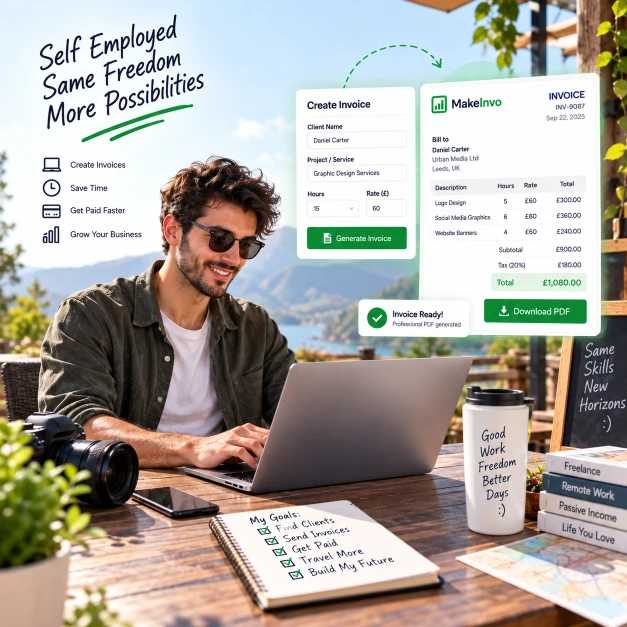
Working for yourself already involves enough administration
Most billing mistakes happen when rigid word processors and generic spreadsheets get bent into fiscal ledgers. Every extra click is billable time lost.
Knowing which business details actually need to go on the invoice
Keeping invoice numbers consistent
Separating personal and business records
Tracking different customers or clients
Adding tax where it applies to your work
Keeping clear records for your tax return
Following up on payments that haven't arrived
Simple invoicing without complicated accounting software
Use your name or a trading name - whichever applies to how you work.
Let invoice numbers stay sequential and consistent automatically.
Keep a dedicated record of every invoice you've sent, separate from personal paperwork.
Save repeat customer details once you register, so you're not retyping them.
Add tax to a line item where your work requires it.
Keep a clear invoice history ready for your tax return.
Set a due date so payment terms are never left vague.
What should a self-employed invoice include?
The information required on an invoice can vary by country and business type. MakeInvo provides invoice-creation software, not legal, tax or accounting advice.
Your personal name or registered trading name
Your business address or contact details
The customer's details
A unique invoice number
The issue date
The payment due date
A description of the work
Quantity, hours or a fixed price
Any expenses
Tax, where required
The total amount
Your payment details
MakeInvo automatically standardizes these structural blocks on export.
Create a self-employed invoice in four steps
Add your details
Add your name or trading name and the customer's details.
Describe the work
Add the work, hours or fixed price, and any expenses.
Check tax and terms
Add tax where it applies and set a clear due date.
Download the PDF
Generate and download your invoice as a PDF.
Built for working without a limited company
No-company invoicing
Invoice under your own name or a trading name - no limited company required.
Hourly or fixed-price work
Bill by the hour or a fixed price, whichever suits the job.
Expense line items
Add expenses as their own line item, separate from your fee.
Invoice numbering
Every invoice gets a sequential number automatically, so numbering stays consistent.
Client records
Registered users can save repeat customer details for future invoices.
PDF downloads
Every invoice can be downloaded instantly as a PDF.
What your invoice can look like
An illustrative example — your invoice will reflect your own business, client, work, and chosen currency.
Marcus Webb
Thornfield Estates
Ref: TE-0231
| Description | Amount |
|---|---|
Property inspection 4 hours @ £35/hr | £140.00 |
Travel expense | £22.00 |
Report materials | £15.00 |
Keep your self-employed invoice records organised
Use a separate business email for invoicing where possible.
Keep your invoice numbers consistent from one customer to the next.
Keep a copy of every invoice you send.
Record payments separately from your other personal finances.
Review your local tax requirements for the work you do.
Set clear payment terms on every invoice.
Avoid including personal information you don't need to share.
Consider professional accounting advice as your work grows.